Guide
StreamZH user guide
Short, task-oriented pages. New here? Start with Getting started. Installing is covered in Installation, moving over from Radarr, Sonarr, Prowlarr and SABnzbd in Migration.
| Page | What it covers |
|---|---|
| Getting started | The first-run checklist: owner account, storage locations, root folders, TMDB key, release language, indexers, download client |
| Library | Movies and series, monitoring, series types (daily, anime), alternative titles, importing existing folders, Organize and renaming, the file renamer |
| Searching and grabbing | Automatic and interactive search, RSS sync, Wanted, the blocklist, Usenet/torrent preference and delays, the release test |
| Indexers | The indexer catalog, Newznab and Torznab, limits, stats and history, import from Prowlarr |
| Downloads | The built-in Usenet engine, servers, categories, scheduler, post-processing, torrents (built-in engine and external clients), seeding, remote path mappings, Activity |
| Quality | Quality profiles, size limits, custom formats, TRaSH Guides sync, release profiles |
| Requests | Discover, requests and approval, limits, the Discord bot |
| Users and roles | Owner, Admin, Friend, Requester, invites, profiles |
| Notifications (Connect) | Plex, Jellyfin, Emby, Kodi, Discord, Telegram, email and more; import lists |
| Calendar | The calendar and its iCal feed |
| Settings reference | Every settings page and what each setting does; Advanced ones marked |
| System | Status, tasks, backups, logs, updates, the status window |
| API | API key, OpenAPI, scripts |
| Troubleshooting and FAQ | Common problems and their fixes |
| Glossary | The words StreamZH uses |
Conventions#
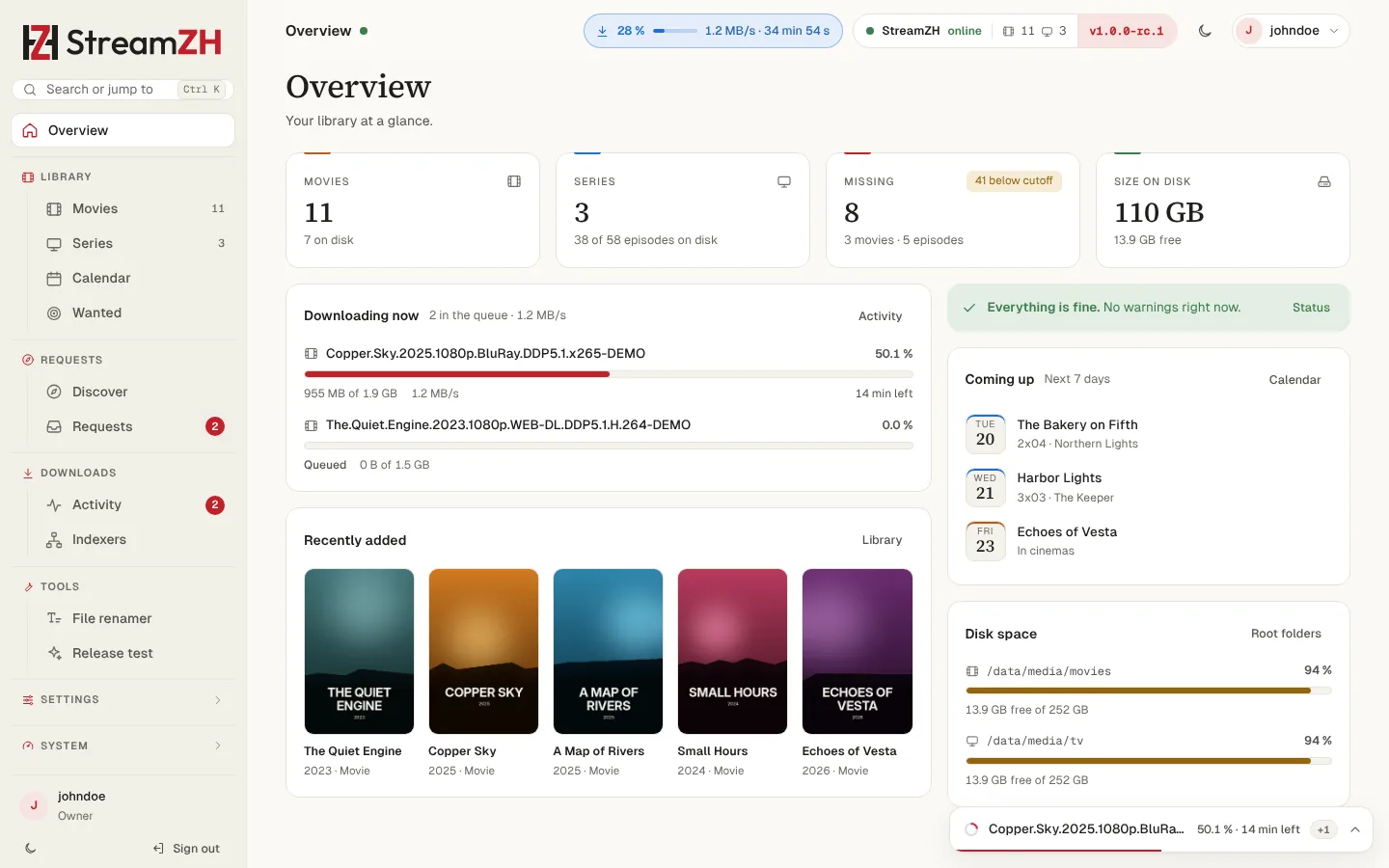
- Settings → Media Management means: the sidebar group Settings, page Media Management. Ctrl K (Cmd K on a Mac) opens "search or jump to" and finds every page by name.
- Advanced: most pages have an Advanced switch at the top. Expert settings are hidden until you turn it on; they are marked (Advanced) in this guide. A hidden setting with an error is always shown.
- Owner only: some settings can only be changed by an owner (see Users and roles). Admins see them read-only.
- Examples use the user johndoe, a server at 192.168.1.10, media in /data/media (Linux, Docker) or D:\Media (Windows). Use your own values.
More reference: Security, Webhook payload, Architecture.